The BBEG of all campaigns is the schedule. Either people forget the schedule, or forget to let people know their availability. Gamecal aims to help that by giving GMs a place to create a campaign, schedule sessions, and invite their users to Yes/No/Maybe scheduled times. GMs can specify numbers of players required for session to be held, and have those sessions be active or cancelled depending on RSVP attendance.
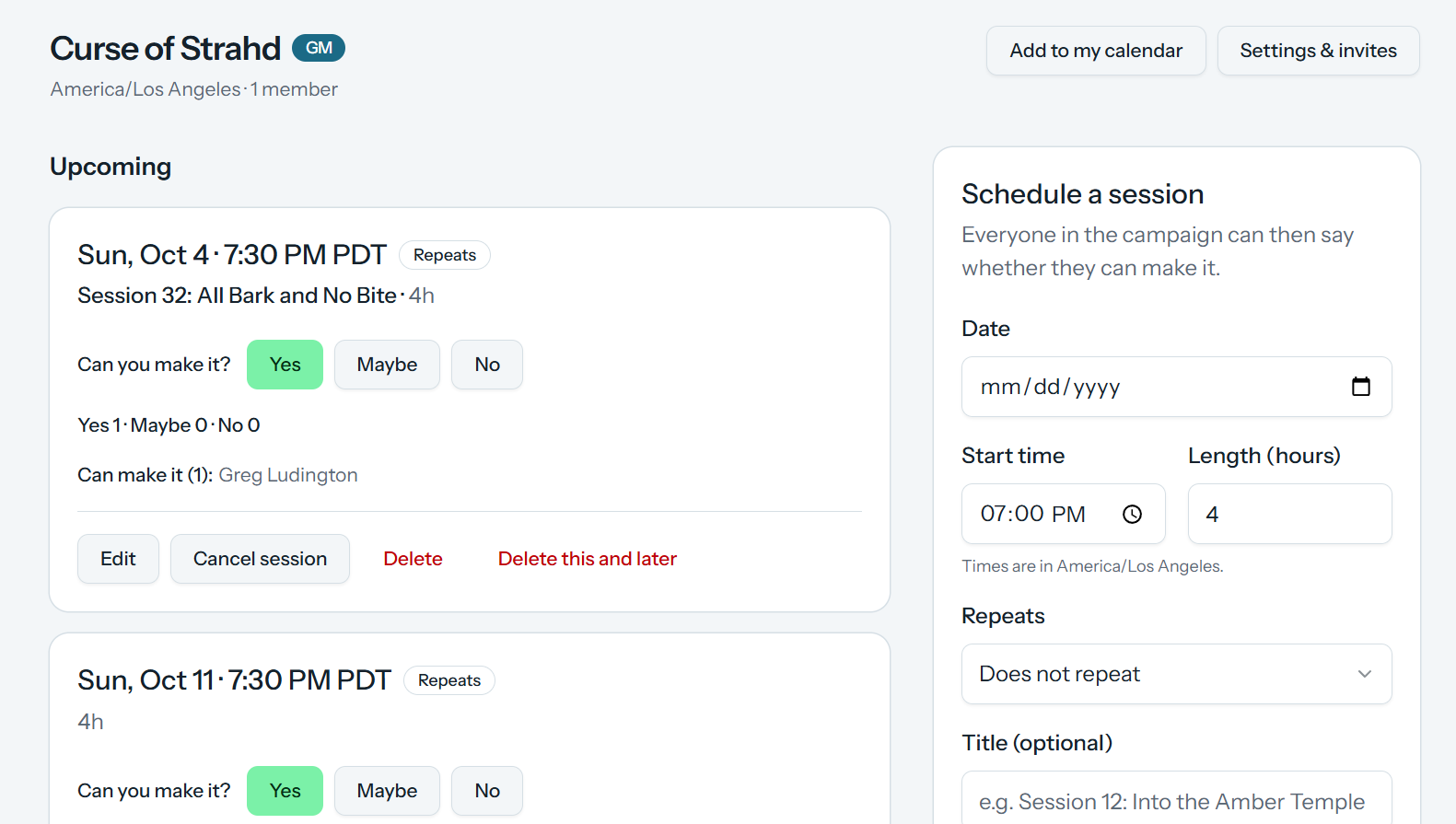
In addition to two different views of their campaign on https://gamecal.loodingdongs.com/, you can also list and respond to schedules via discord, if you are connected with discord.
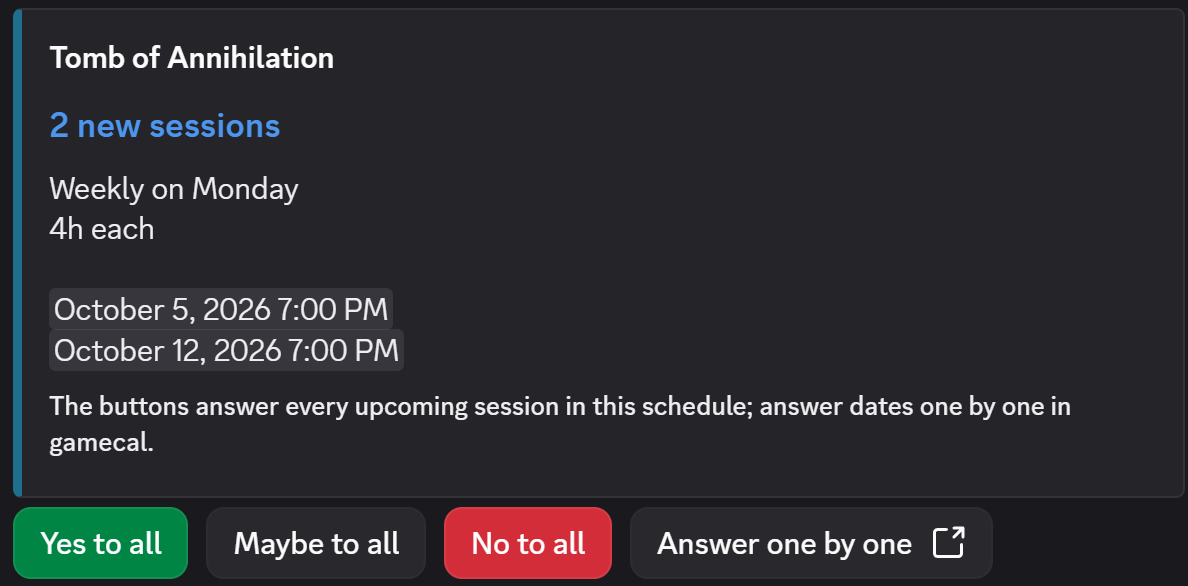
Every user gets a calendar feed they can subscribe to with their calendar software of choice.
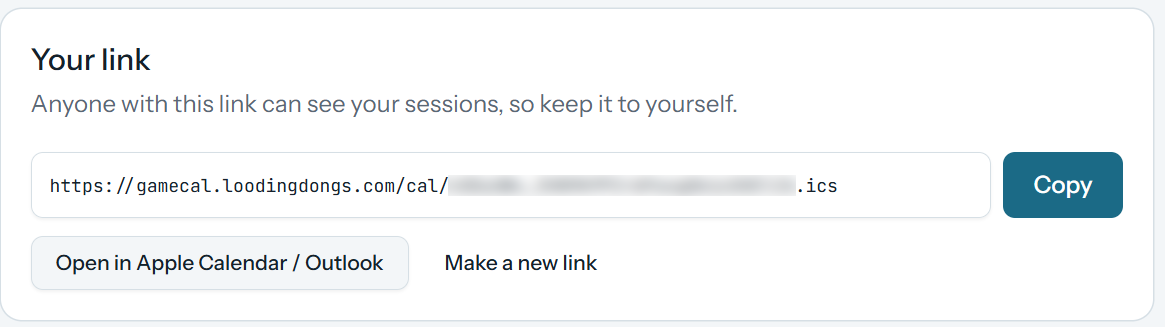
Each user can set their calendar to show only active session, or include cancelled sessions with a note they have been cancelled. Calendars will update along with schedules. Frequency of updates and features supported will depend on your calendar software.
It also has a direct integration with Google Calendar for more features and faster calendar updates:
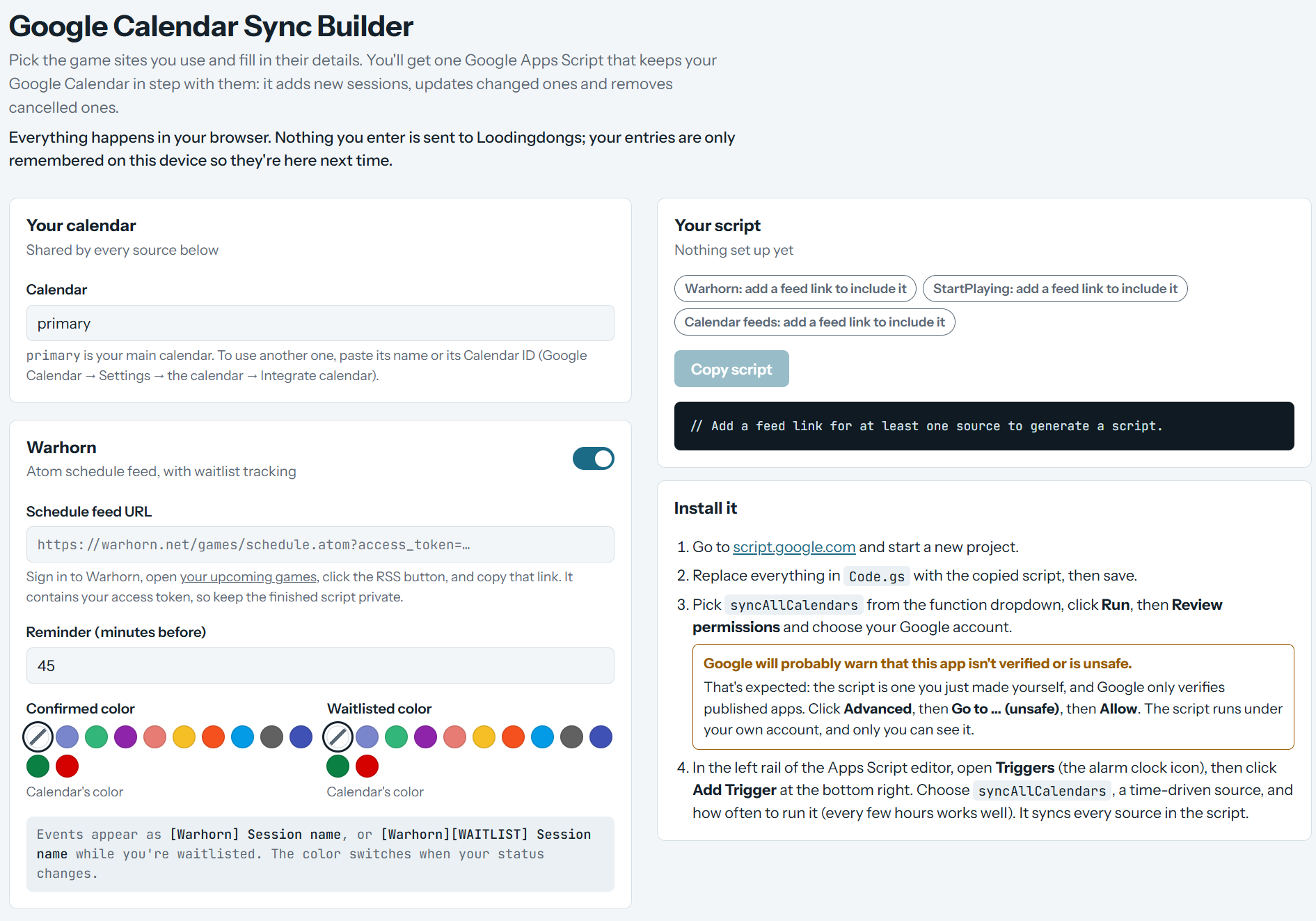
The Sync Builder is for power users to more directly support Google Calendar features, allowing you to create a Google Apps script to create a more customized feed you can trigger on a different schedule, and to combine your Gamecal calendar with other sources - it also contains helpers to import Warhorn and Startplaying calendars - to create an all-in-one unified calendar. This mode is done entirely in-browser, so using this builder there is no need to submit any information from those services to Gamecal.
I created the feed builder Apps Script first, to merge my various game feeds into our shared family calendar, so everybody else can see when I’m Out of Office in Faerun.
You do not need any account to use the sync builder, but you do have to Log In to use the other campaign scheduling features. Because I am keeping this on the free tier, if you are interested, you will have to ask me for access upon first login.